💥 [NEW] Say hello to your new “Travel Wishlist”!

You asked for it, and we listened! Managing your favourite destinations just got easier. To better reflect what they really are, your “favourite destinations” is now called your “Travel Wishlist”.

Here’s everything you need to know about this exciting update :backhand_index_pointing_down:


What were “favourite destinations” again?

A quick reminder: when you add favourite destinations to your listing, you can:

  • appear in search results when other members do a reverse search

  • receive email alerts whenever a home becomes available in that destination

Simple and useful, right?


Why the change to “Travel Wishlist”?

After a recent community survey across all of our Facebook groups, most of you voted for the new name, and we totally agree!

The term “Travel Wishlist” better captures what these destinations represent. They’re not just places you save; they’re future adventures you’re dreaming about: with dates, number of travellers, and soon… filters too!


A brand-new interface for easier, smarter management

We heard your feedback: the old “Favourite Destinations” section wasn’t always easy to manage, especially when it came to changing dates.

That’s now a thing of the past! :tada:

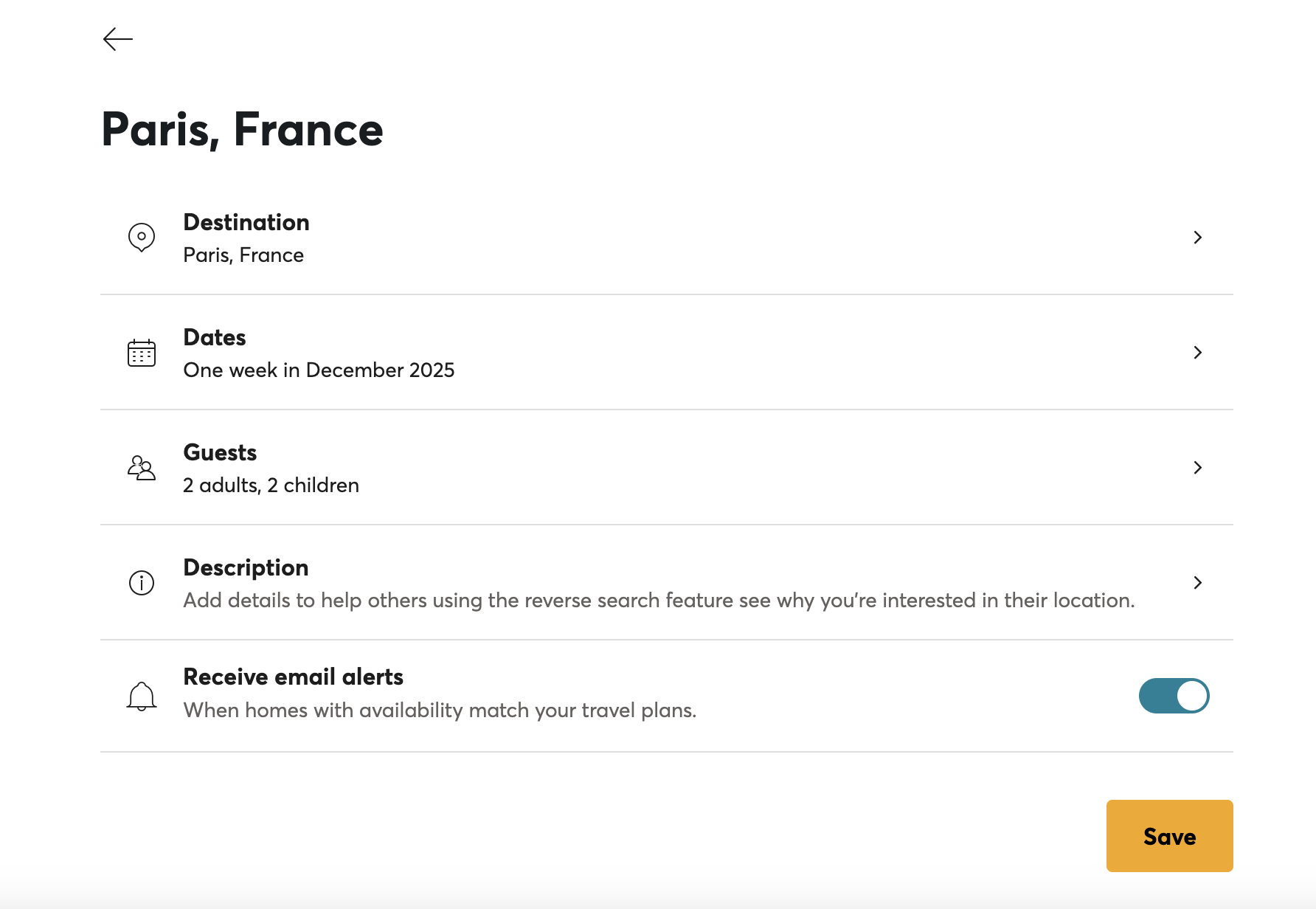
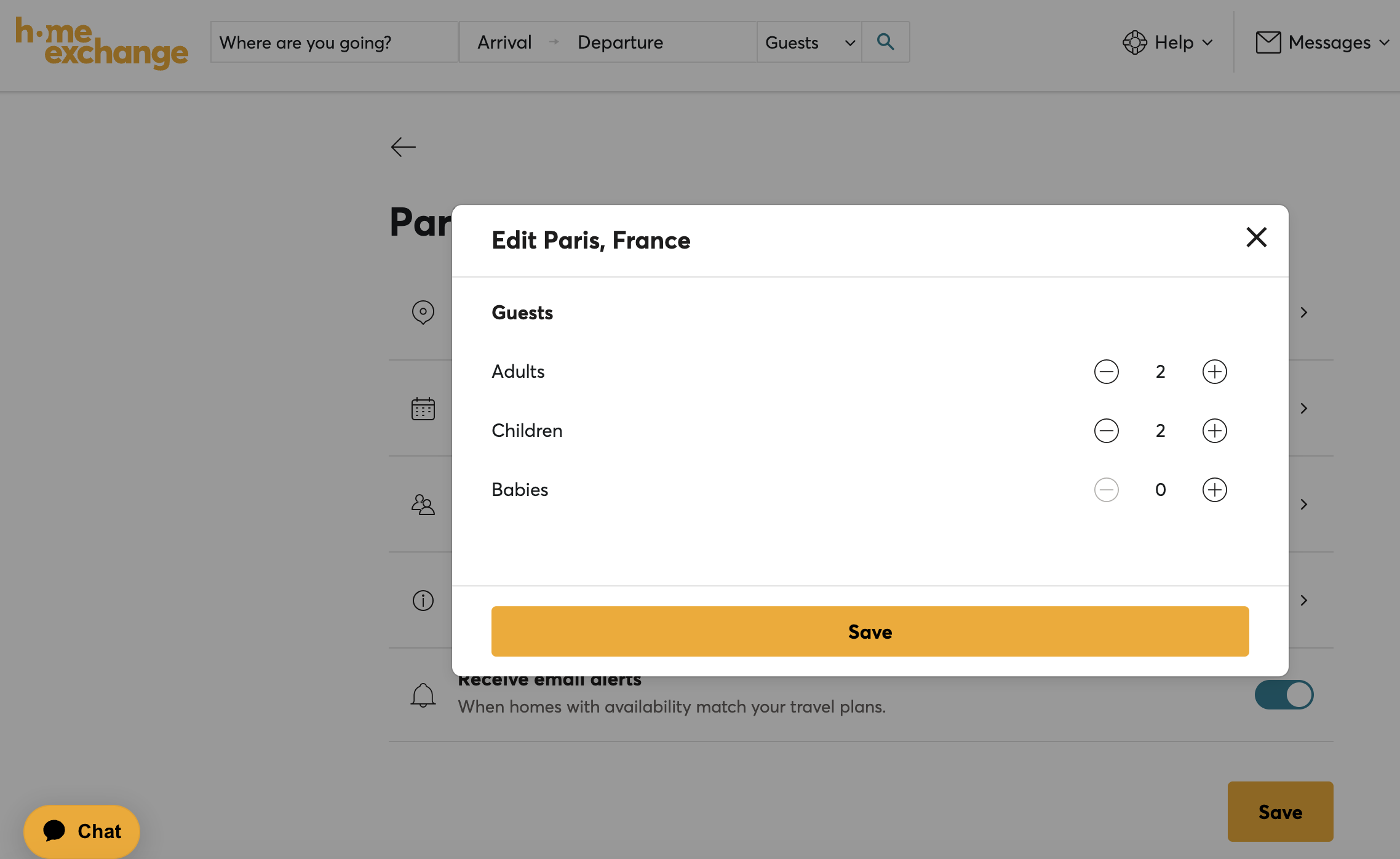
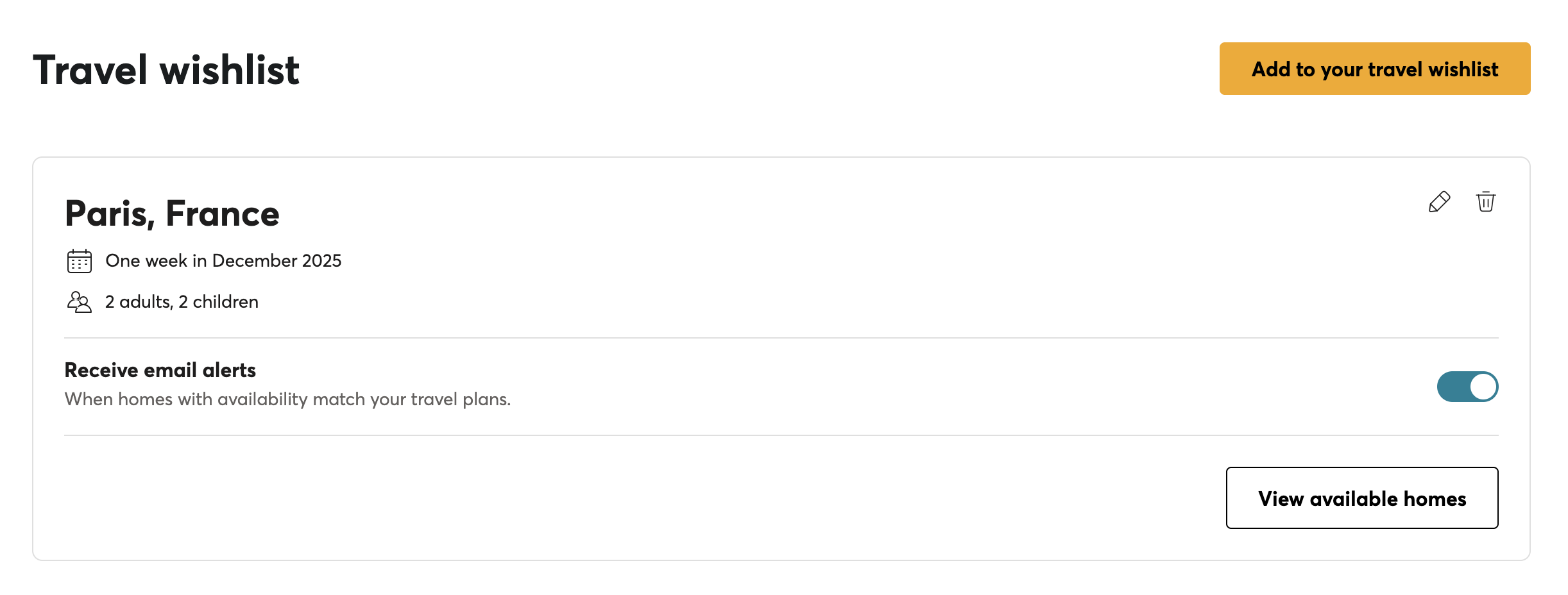
You can now easily manage everything from a new dedicated page, accessible right from your Profile. Add, update, or delete destinations with no need to start from scratch anymore!

:backhand_index_pointing_right: Check it out here


Stay up to date — automatically!

Another great improvement: you’ll now receive notifications when a destination on your travel wishlist with specific dates expires.

No more alerts for last summer’s trips! Just keep your wishlist updated and let the platform do the rest.


Unlimited Trips on your Travel Wishlist :rocket:

That’s right — no more limits! You can now create as many trips on your travel wishlist as you like. Whether it’s a weekend getaway or your dream world tour, save them all!


How to manage your Travel Wishlist

You have two easy options:

  1. From your new dedicated page, accessible via your Profile where you can:

    • create

    • edit

    • or delete trips on your wishlist

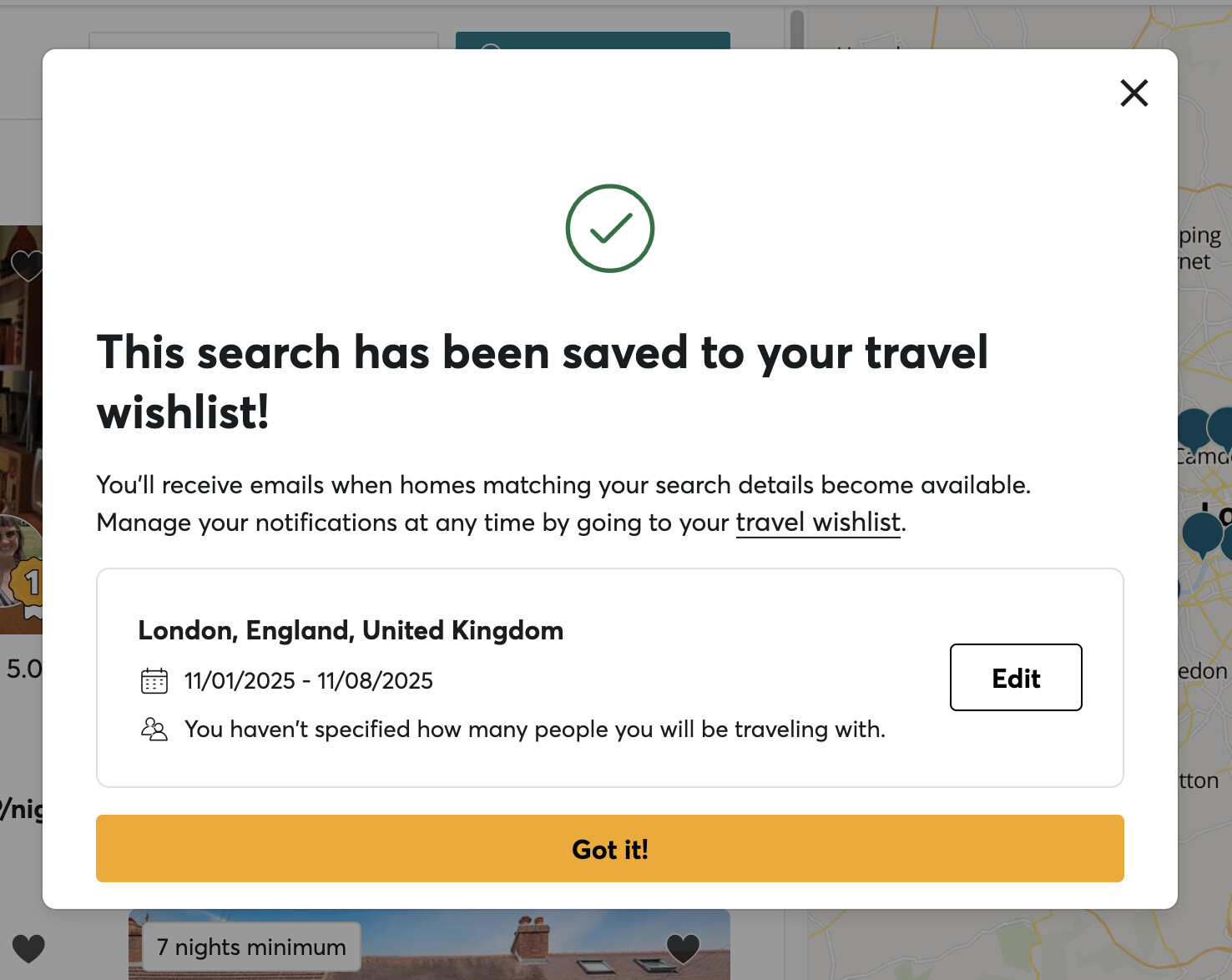
2 . Directly from the search results page. When you find a place you love, simply click “Save this destination” to add it to your wishlist, along with your dates and number of travellers.

What’s next?

In a few months, we’ll take it even further! Your search filters (not just dates and guests) will also be included in your email alerts for each trip on your travel wishlist.

We’ll keep you posted when this update goes live.


In the meantime, go explore your new Travel Wishlist page (you’ll find it anytime in your Profile), and start dreaming up your next adventures! :sparkles:

http://homeexchange.com/saved-search

We can’t wait to hear what you think, and to share more exciting updates soon! :blue_heart:

4 Likes

I am very happy with this change! Especially there being no limit, and much easier to be able to change only part of the destinations/travel wishes.

2 Likes

It’s great that this section is improving. However, I would still like to see a few more changes. For example, if I have a destination, such as France, I might be interested in it for a weekend, a week, or even a month. So, I would like to be able to select more than one option, but currently that’s not possible — I’m forced to choose only one. Could you enable the option to select more than one?

I would also like to have the ability to change the order in which the destinations appear, without having to delete them all and re-enter them. It would be helpful to be able to drag them up or down, similar to how we can rearrange photos in a photo carousel. This is particularly important because only the first three destinations are shown by default in our profile, so depending on the time of year, one might prefer to have certain destinations appear higher in the list.

I would also like to be able to add a time period of the year without having to specify a particular year. For example, one of my travel projects is to go to Mauritius between May and November, but it doesn’t matter whether that happens in 2026, 2027, or 2028 — what matters to me is traveling during those months, when the weather is better. That’s why I would like the option to add just a time period within the year, without being required to select a specific year. This way, I wouldn’t have to think of updating the dates for 2027 if I haven’t found an exchange in 2026.

Lastly, I would appreciate the option to add entire continents (such as Europe) as a travel project, rather than having to enter each country individually. This would be especially useful for users who are open to traveling anywhere within a specific region, like Europe, without having to specify each country one by one.

4 Likes

Great, i’m so glad you like the changes :slight_smile:

1 Like

Thank you so much for your detailed constructive feedback, I will pass this onto the team who have been developing these changes to the platform.

1 Like

How can I delete locations from my wish list?

On the right, the dustbin :

The travel wish list no longer appears on the browser. On the app when I go to my travel Wishlist there is no dustbin

Yes not available on the app for now, only web. On the web, try to update your web browser and clean your cache, it should help

Thanks. It’s there on chrome but not on safari.

Probably cause Safari is not up to date